
Scent pyramid
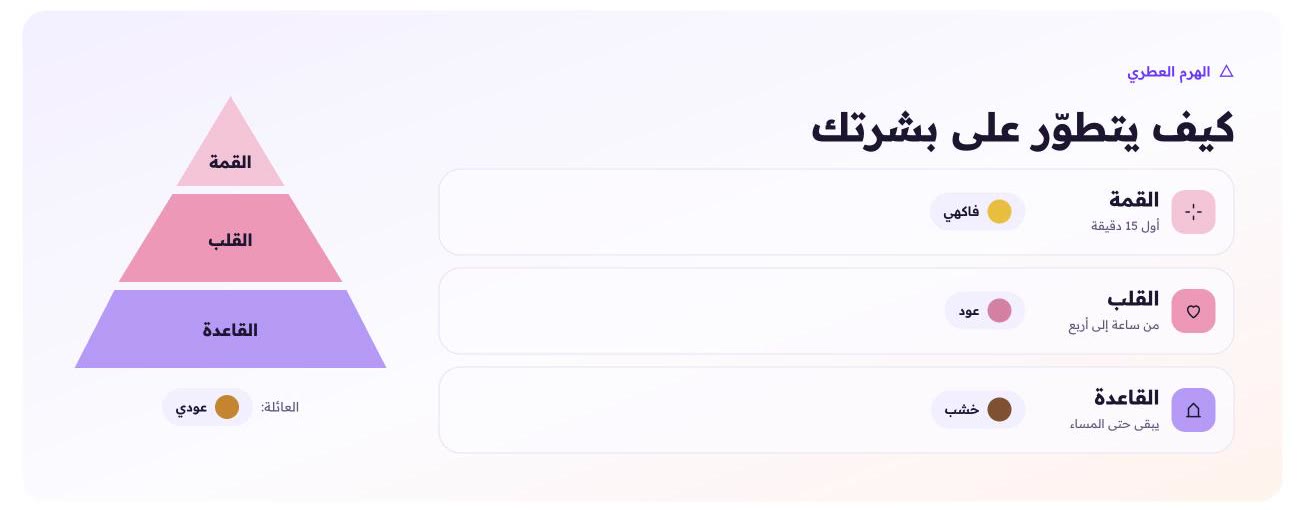
Show the top, heart and base notes of every perfume in an elegant block on the product page. Data comes from Salla custom fields or tags; products without data simply show no block.
Add the pyramidPerfume theme for Salla stores
Miska is an Arabic-first theme for perfume, oud and incense stores. Here you will find the step-by-step setup guide, every section and setting explained, and direct support.
Theme tour
Real screenshots from the preview store. Pick a section to see it and where to set it up.
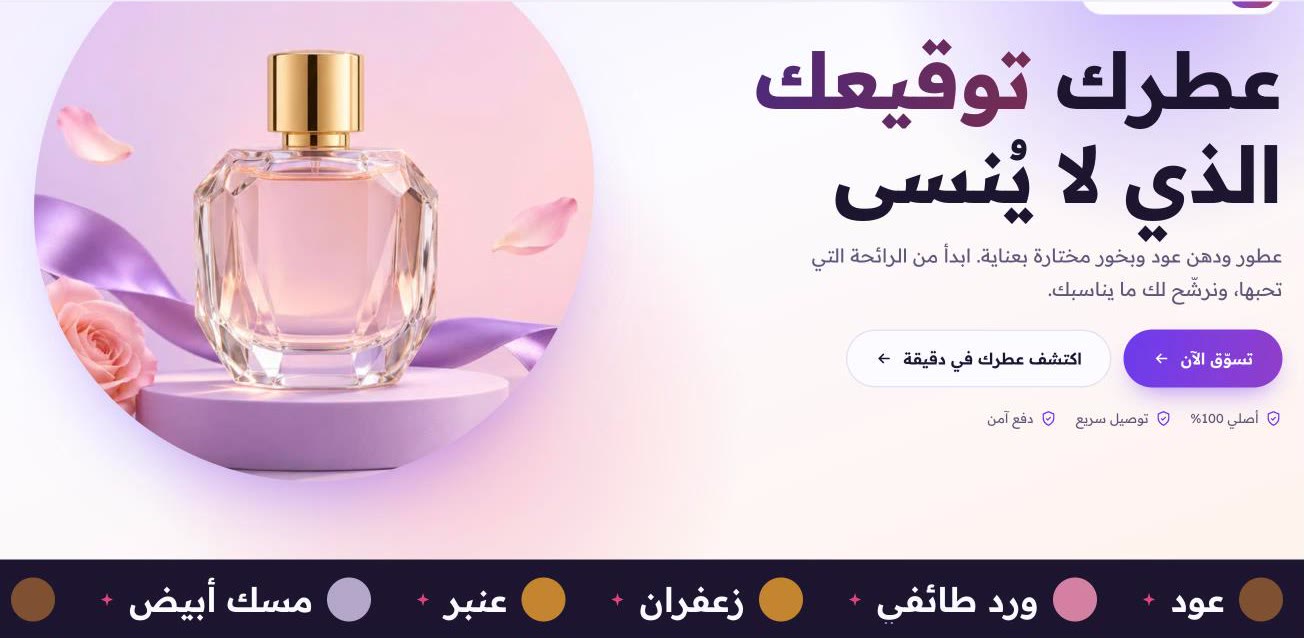
An image in a round frame, a headline with coloured words, two buttons and a moving notes strip below.
How to set it up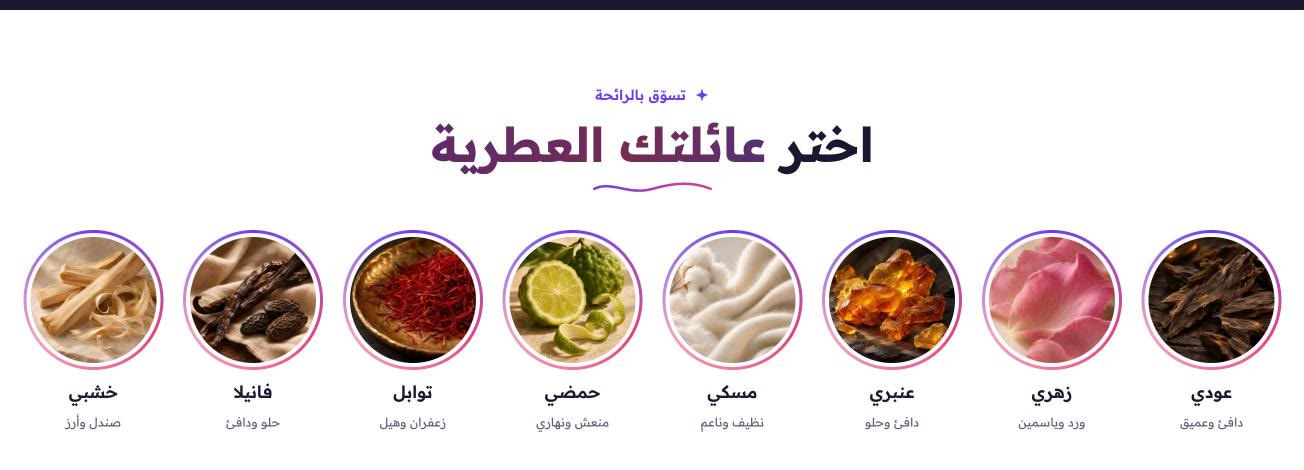
Eight family circles (oud, floral, amber…), each opening the matching products.
How to set it up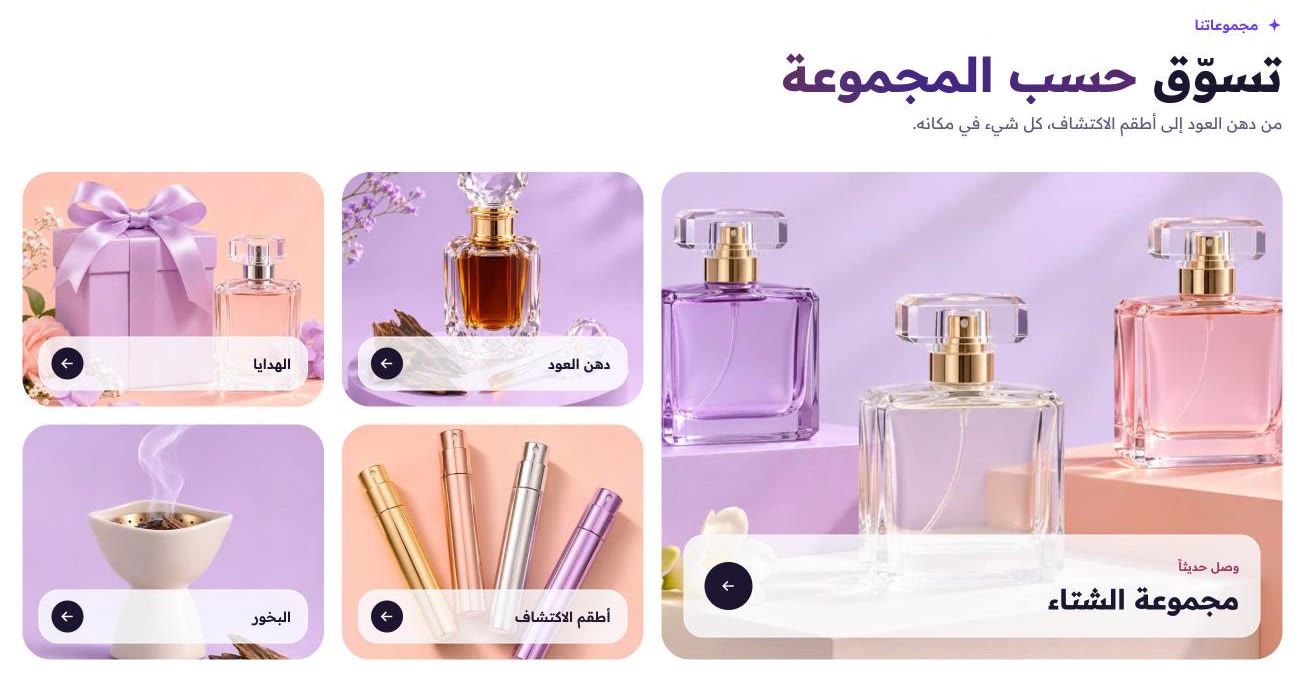
A grid of large image tiles linked to your categories: new in, oud oil, gifts, samples and bakhoor.
How to set it up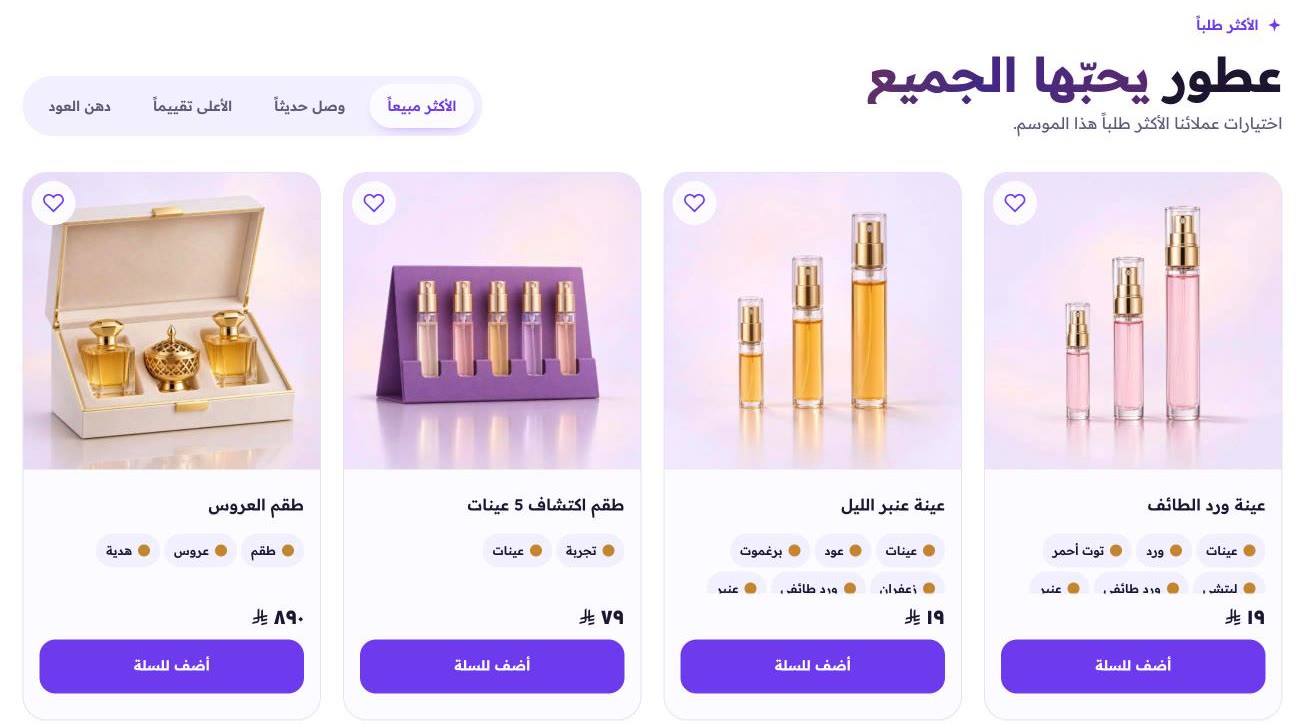
Tabs that switch between best sellers, new arrivals, top rated and any category you choose.
How to set it up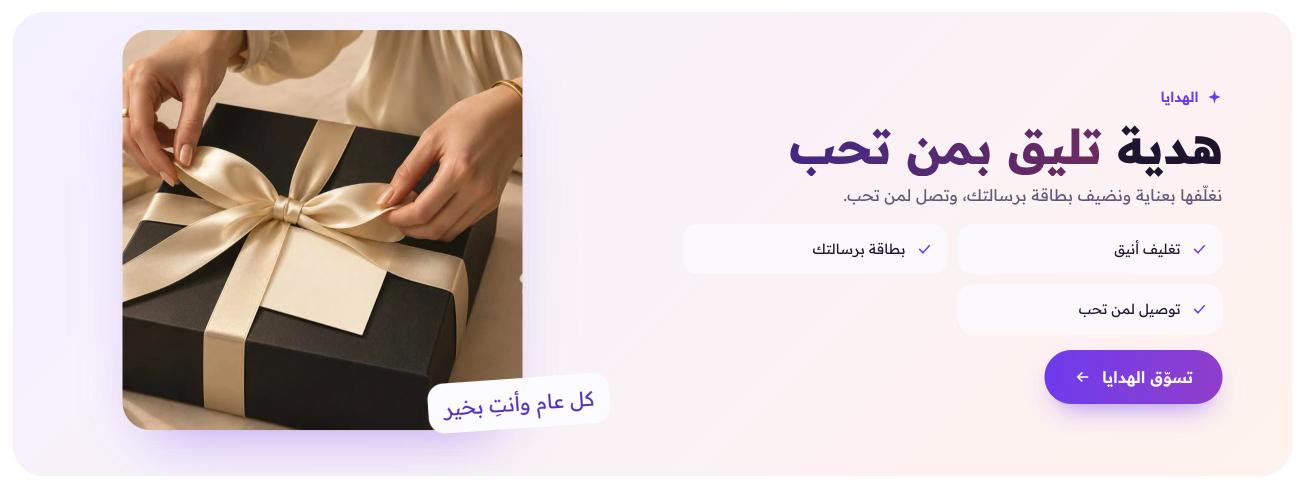
An image, perks and a button to your gifts category, with a small greeting card.
How to set it up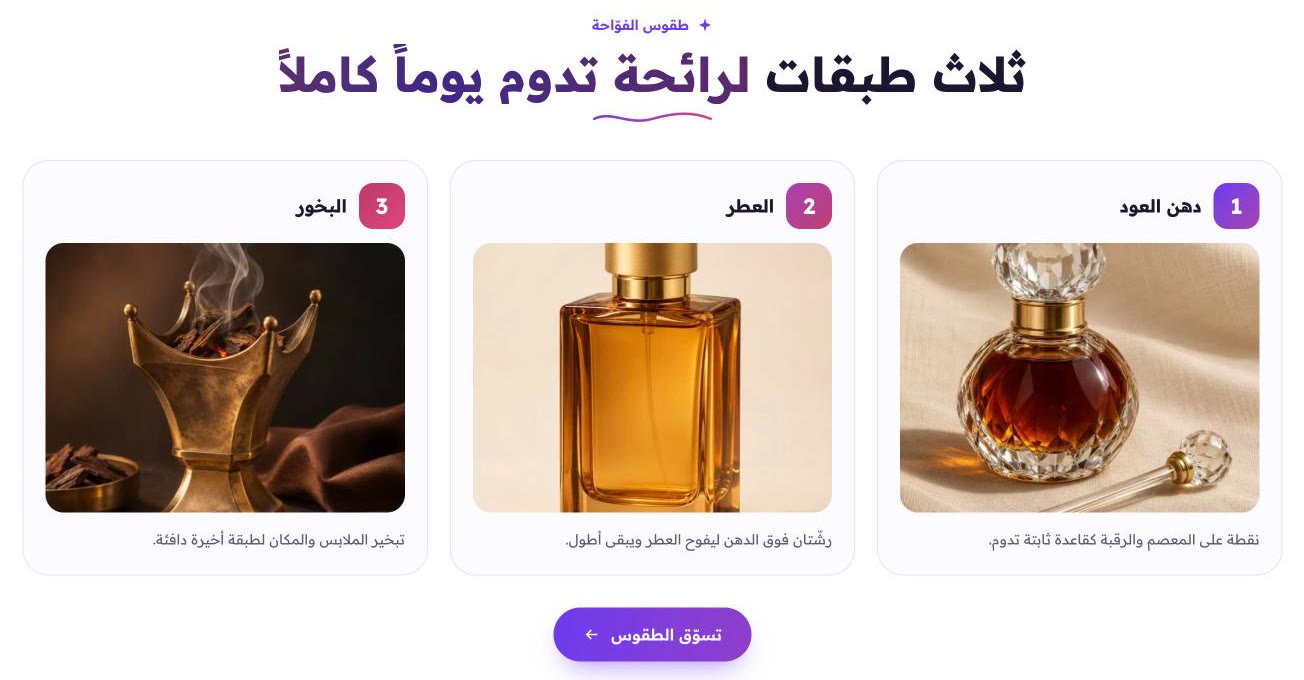
Three numbered steps with images that teach layering: oil, then perfume, then bakhoor.
How to set it upTop, heart and base notes plus the scent family on the product page, from custom fields or tags.
How to set it up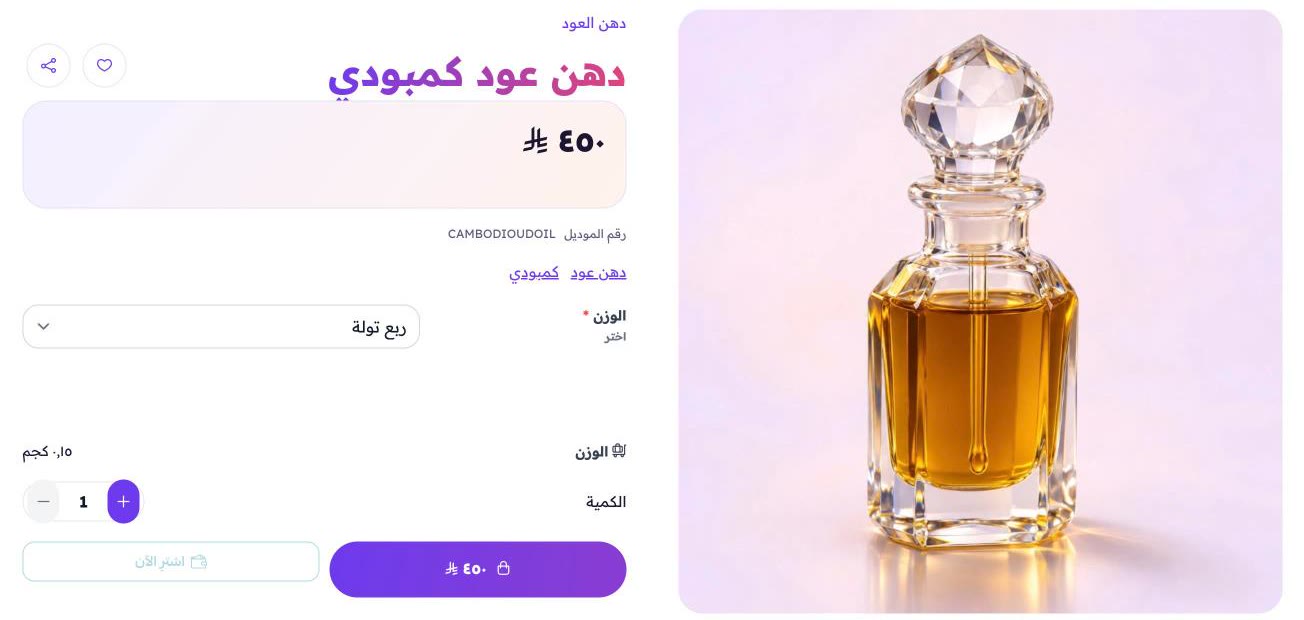
A gradient title, a clear price, size options, a strong add-to-cart button and trust perks below.
How to set it upMiska is built around how people actually choose a perfume: by notes, family and occasion, not by product name alone.
Show the top, heart and base notes of every perfume in an elegant block on the product page. Data comes from Salla custom fields or tags; products without data simply show no block.
Add the pyramidNotes and families appear as coloured chips on product cards, and your tags (oud, amber, musk…) become quick filters on category and search pages, filtered by Salla's servers.
Use tagsRoyal violet (default), teal, peach rose and the dark night violet. Or switch to your store's primary colour from Salla settings.
Identity settingsA clear add-to-cart button, a sticky add-to-cart bar on mobile, a free-shipping progress bar, trust points beside the button, a low-stock hint and a floating WhatsApp button.
Product pageTabby and Tamara instalment boxes under the price when enabled in your store, prices with the new Saudi riyal symbol as formatted by Salla, and Arabic RTL first with full English support.
Payments & currencyReadex Pro type, calm CSS-only motion that stops when the shopper prefers reduced motion, reserved image space to avoid layout shift, and comfortable touch targets.
PerformanceThe Miska support team replies within 2 business days.